What It Is
A clear definition of the crocodile effect and why it matters.
Diagnose Quickly
Simple steps to identify the issue in your analytics.
Fix It
Practical actions to improve click performance.
The crocodile effect SEO term has appeared in several SEO forums and analytics dashboards. In plain language, it describes a situation where search engine impressions rise but clicks drop, creating a mismatch between visibility and traffic. This article explains the crocodile effect meaning, explores why impressions can rise while clicks fall, and provides clear steps to diagnose and fix the problem.
What Is the Crocodile Effect in SEO?
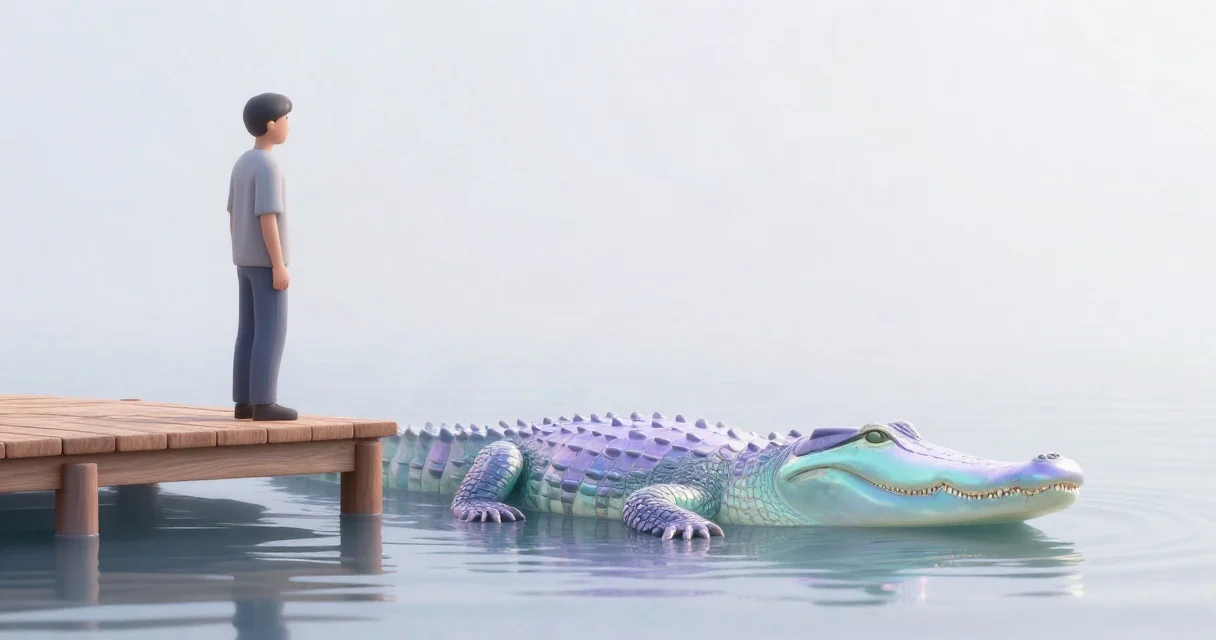
The crocodile effect refers to a pattern that looks like a crocodile’s jaw: the top (impressions) opens wide, while the bottom (clicks) stays narrow. When you see a steady increase in search engine impressions vs clicks, it often signals a deeper issue with how your pages appear in SERPs.
Typical symptoms include:
- Impressions up – Google reports more opportunities for your pages to be shown.
- Clicks down – The same pages attract fewer visitors.
- CTR (click‑through rate) drops – The ratio of clicks to impressions shrinks.
This effect is not a penalty from Google; rather, it is an indicator that something about the presentation of your results has changed. It can be caused by:
- Title or meta‑description changes that are less compelling.
- Structured data updates that affect rich snippets.
- Increased competition for the same keywords.
- Algorithm updates that shift ranking signals.
Understanding the crocodile effect meaning helps you separate normal ranking fluctuations from genuine performance problems.
Why Impressions Can Rise While Clicks Fall
Impressions are counted whenever Google shows your URL in a search result, even if the user never scrolls far enough to see it. Clicks, on the other hand, require the user to actively choose your result. Several factors can cause a divergence:
- SERP Feature Changes – If Google adds a featured snippet, “People also ask,” or a video carousel above your listing, users may get their answer without clicking.
- Title & Meta Shifts – A title that becomes too generic or a meta description that no longer matches user intent reduces attractiveness.
- Brand Visibility – Increased brand searches can lift impressions for a domain, but if the brand name is not in the title, users may click a competitor’s result.
- Device Distribution – Mobile users often have less screen real estate, so a longer title may be truncated, lowering click likelihood.
- Increased Competition – More pages ranking for the same query can split clicks, even though the overall impression pool grows.
These scenarios illustrate why organic traffic decline reasons often start with a deeper look at search engine impressions vs clicks rather than a simple drop in rankings.
How the Effect Impacts Rankings and Traffic
While the crocodile effect itself does not directly lower a page’s position, the reduced CTR can indirectly affect rankings. Google’s ranking algorithms consider user engagement signals, including click‑through rates, as a proxy for relevance. A sustained drop in CTR may lead to:
| Metric | Before Effect | During Effect |
|---|---|---|
| Impressions | 5,000 | 7,500 |
| Clicks | 500 | 300 |
| CTR | 10% | 4% |
| Avg. Position | 8 | 9 |
Even a small shift in average position can compound over time, especially for keywords with high search volume. Additionally, lower traffic means fewer conversions and less data for optimization, which can stall growth.
Steps to Diagnose the Crocodile Effect
- Verify Data Accuracy
- Check the date range for anomalies.
- Ensure filters (e.g., device, country) are not causing misleading spikes.
- Compare SERP Appearances
- Use the Search results report in Google Search Console to see how titles and snippets appear.
- Look for new rich results or featured snippets that could be siphoning clicks.
- Audit Title & Meta Descriptions
- Identify pages where the title length exceeds 60 characters or the meta description exceeds 160 characters.
- Align copy with user intent and include strong call‑to‑actions.
- Analyze Competitor SERPs
- Search the same queries manually or with a rank‑tracking tool.
- Note any competitor brand names, promotions, or schema that dominate the visual space.
- Review Recent Changes
- Check the content management system for recent updates to affected pages.
- Look for algorithm update reports that match the timing of the click decline.
If you need a deeper dive, our seo impressions vs clicks guide walks through the specific Search Console metrics.
Practical Fixes to Recover Click Performance
Below are actionable items you can implement without a full redesign:
1. Refine Titles and Meta Descriptions
- Keep titles under 60 characters and front‑load the primary keyword.
- Write meta descriptions that answer the query and include a clear call‑to‑action.
- Use brackets or separators (e.g., “|”, “–”) to make snippets stand out.
2. Leverage Structured Data
- Add FAQ or How‑To schema to earn rich snippets.
- Test markup with Google’s Rich Results Test.
- Ensure schema reflects the actual content to avoid manual actions.
3. Optimize for Featured Snippets
- Answer common questions concisely within a paragraph, list, or table.
- Use the exact question phrase as a heading on the page.
- Provide a clear, authoritative answer in the first 100 words.
4. Improve Visual Appeal
- Include compelling brand elements in the title (e.g., “Free Trial”, “Best Price”).
- For product pages, add price and rating schema to increase click allure.
5. Monitor Competitor Movements
- Set up alerts for major competitors’ promotions or brand name usage.
- Adjust your copy to differentiate and highlight unique selling points.
6. Adjust Internal Linking and Site Architecture
- Ensure high‑traffic hub pages link to the under‑performing pages with descriptive anchor text.
- This can pass link equity and improve perceived relevance.
7. Test Changes Systematically
- Use A/B testing tools for title and meta description variations.
- Track CTR changes week over week before committing to a permanent update.
If you prefer a hands‑off approach, consider our our seo services to handle ongoing optimization and reporting. For budgeting clarity, see our pricing checklist guide.
Frequently asked questions
What causes the crocodile effect in SEO?
The effect is caused by a mismatch between how often a page appears in search results and how often users choose it. Common triggers include title or meta description changes, new SERP features, increased competition, and algorithm updates that alter user behavior.
Why are my site’s impressions increasing but clicks decreasing?
Impressions rise when Google shows your URL more often, but clicks fall when the presented snippet is less compelling, when rich results answer the query directly, or when competitors present stronger calls‑to‑action.
How can I fix the crocodile effect and improve click‑through rates?
Start by auditing titles, meta descriptions, and structured data. Optimize for relevance, include clear calls‑to‑action, and aim for rich snippets that enhance visibility without stealing clicks. Test changes and monitor CTR trends closely.
Does the crocodile effect affect local search results?
Yes. Local packs and Google Maps listings can also show your business more often without generating clicks if the business name, address, or review snippet does not stand out. Optimizing local titles, encouraging reviews, and using local schema can help mitigate the effect.
Need Expert Help?
Contact Socialdonut to get a tailored plan for restoring your traffic.
Hungry for more?
Let’s put this thinking to work on your brand.